

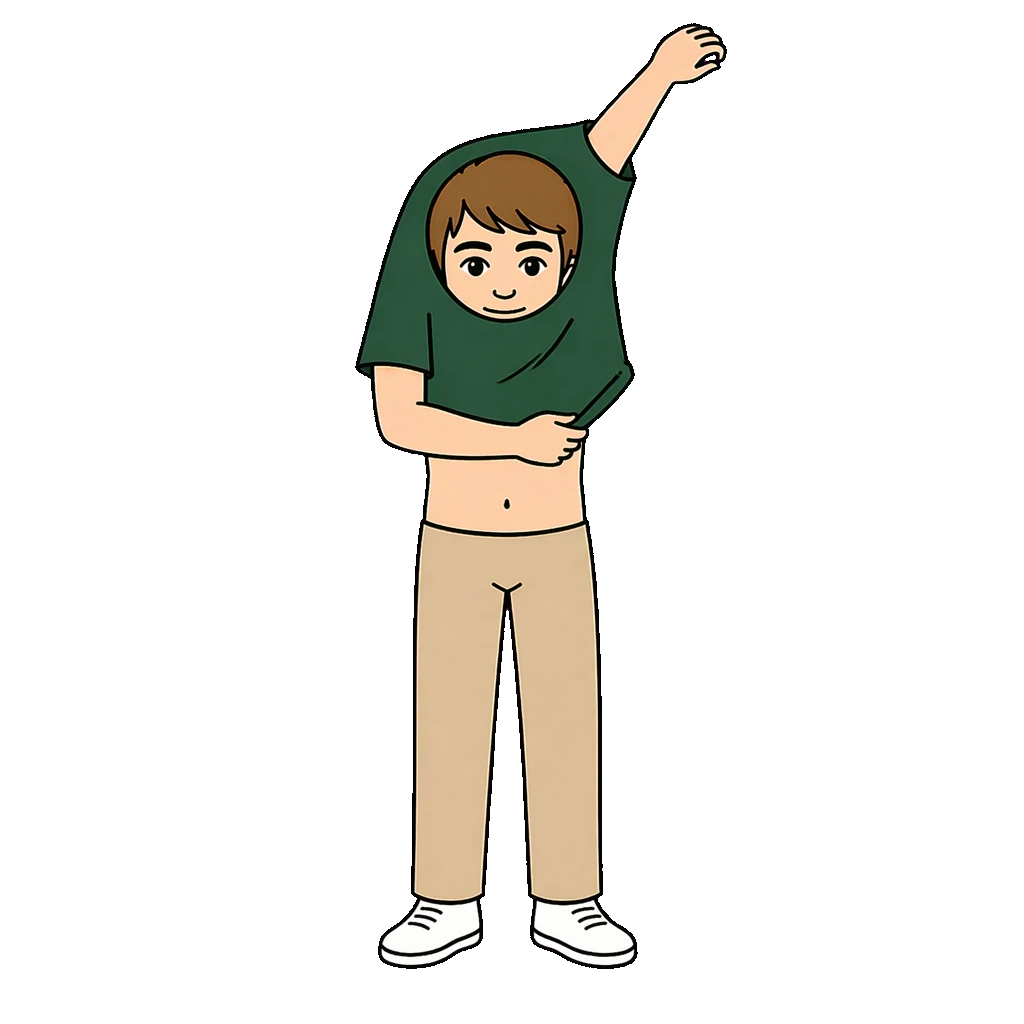

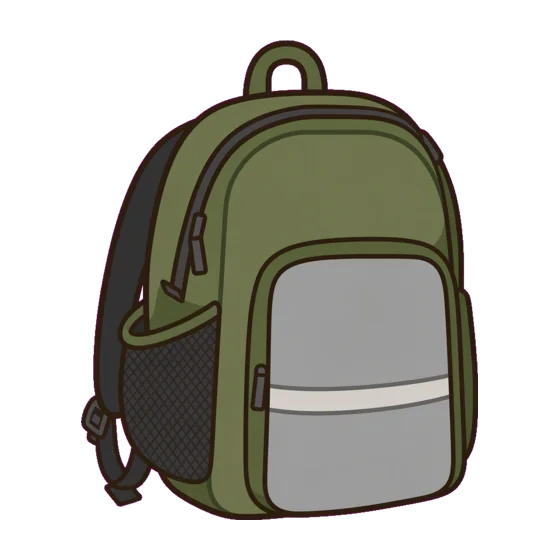

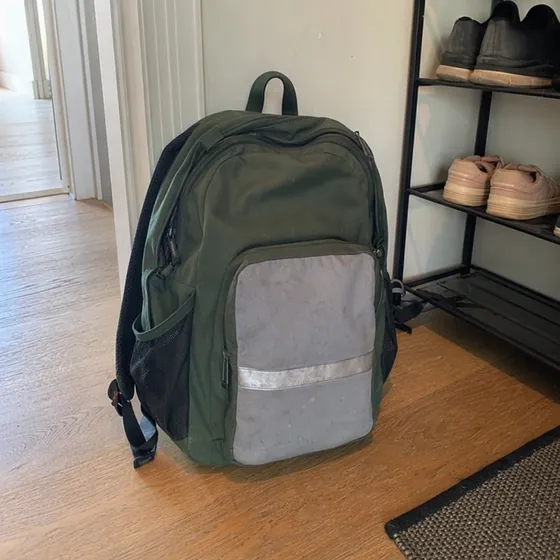
- Describe the day. Áigi builds the support.
- Photograph what is yours.
- Save as PDF and print.
- Show now on the child’s screen.
- Send a link to the other adults.
Here’s how
Skip the ones you don’t need.
Create with AI or a template
Describe what you need, or start from a template.
Change what doesn’t fit
Click what you want to change, or ask the AI.
Add your own photos
Use the photo as it is, or turn it into a symbol.
Print, show or share
On paper, on the child’s screen or with a link.
Change with AI
Write what should change, or tap a suggestion. Create matching makes the next paper in the same style.
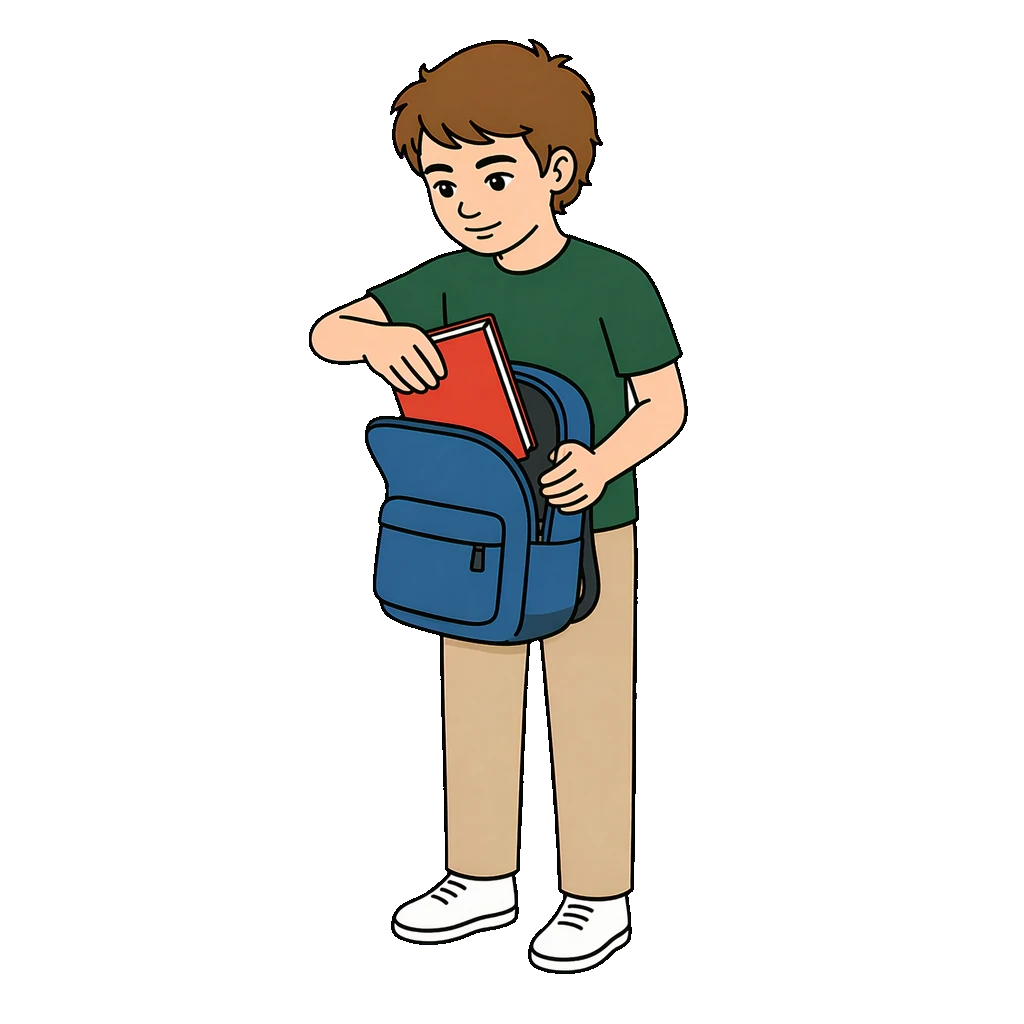
How to use it
| Way | How | In the app |
|---|---|---|
| Paper | Save in A4 and print. | Save PDF, Save image |
| The child’s screen | Open the screen’s link on the child’s device. | Put on the screen, Show nowIncluded in Standard and Pro |
| Share | A link to the paper, by WhatsApp, email or QR code. | Share |
One link to the child’s screen
Open the link once. Then you choose what the screen shows, and when.

What’s included
| What | Details |
|---|---|
| Symbols | Thousands in one style. Nine main characters. |
| Devices | Computer, tablet and phone. |
| Languages | Swedish and English. |
| Account | Email or Google. |
Templates to start from
Click a template to see it.
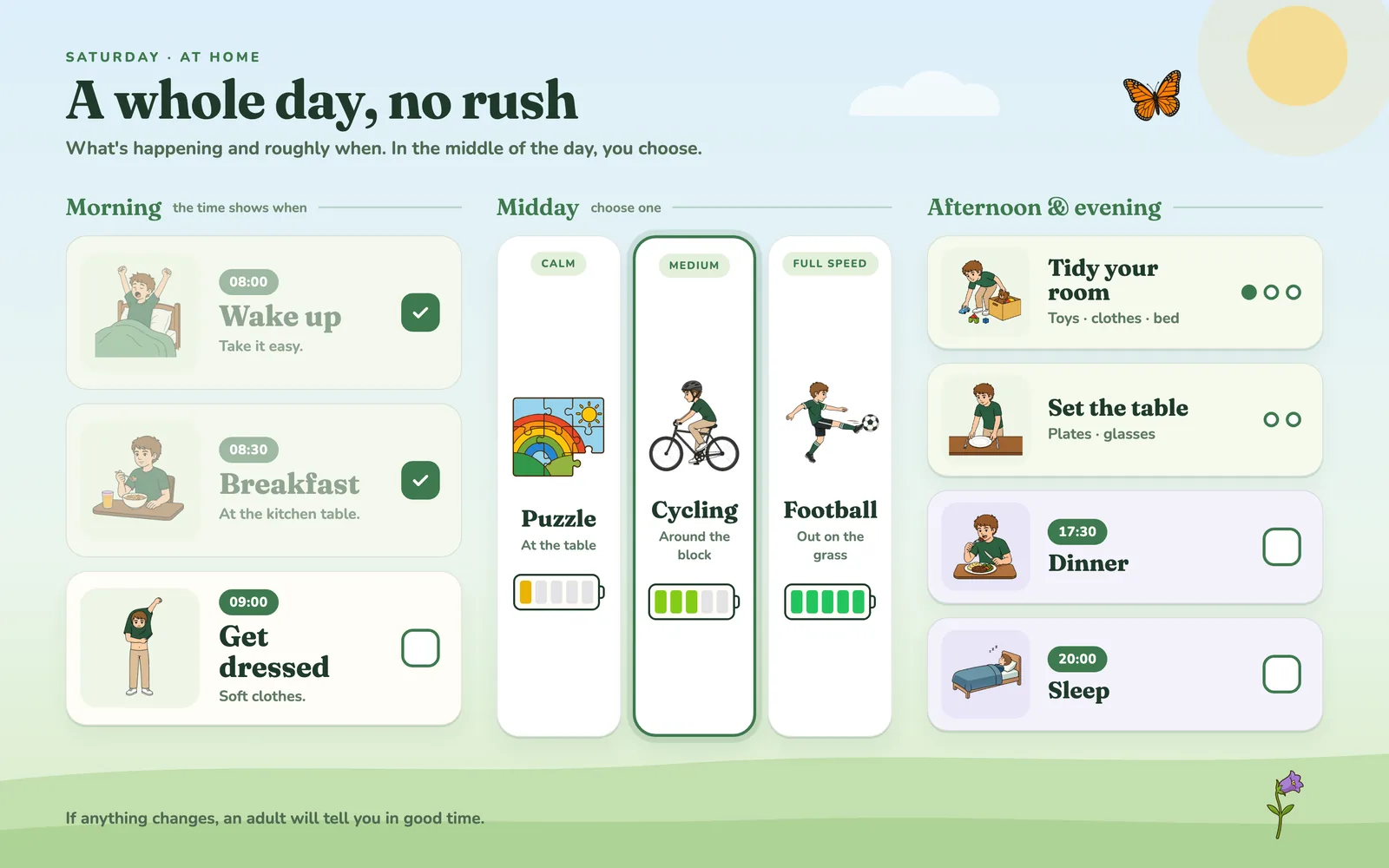
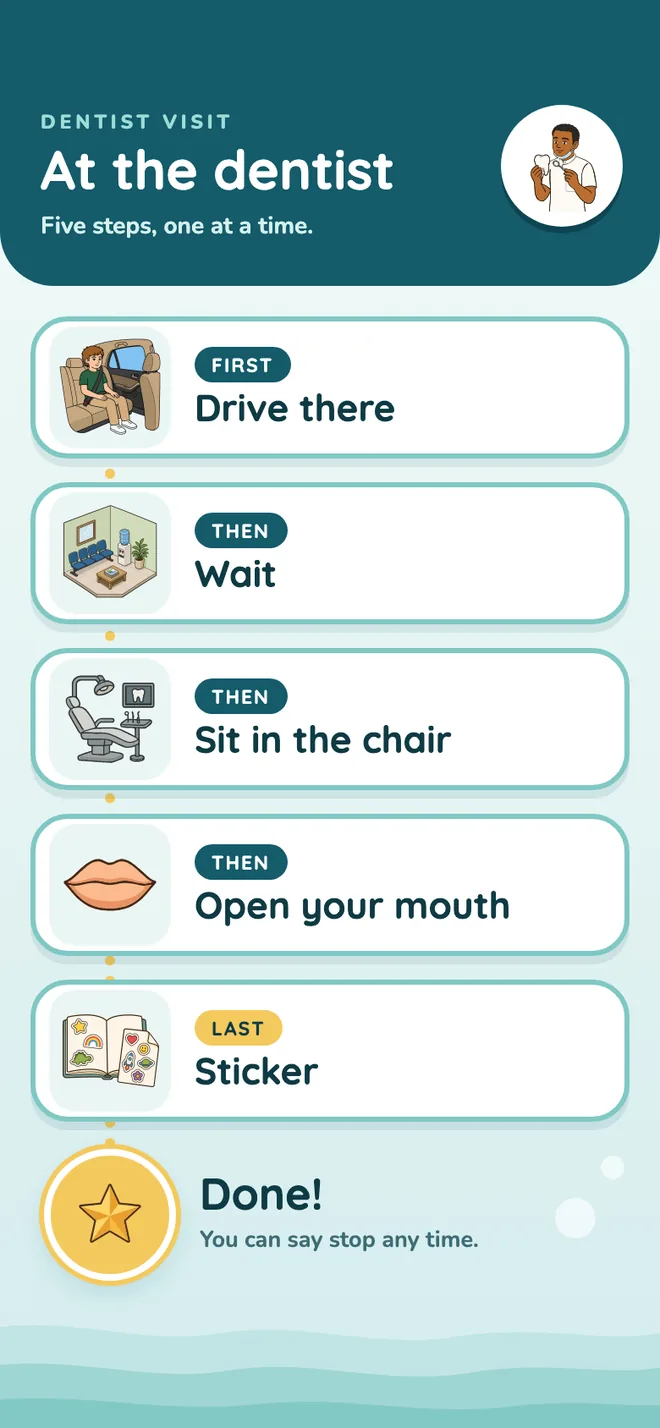
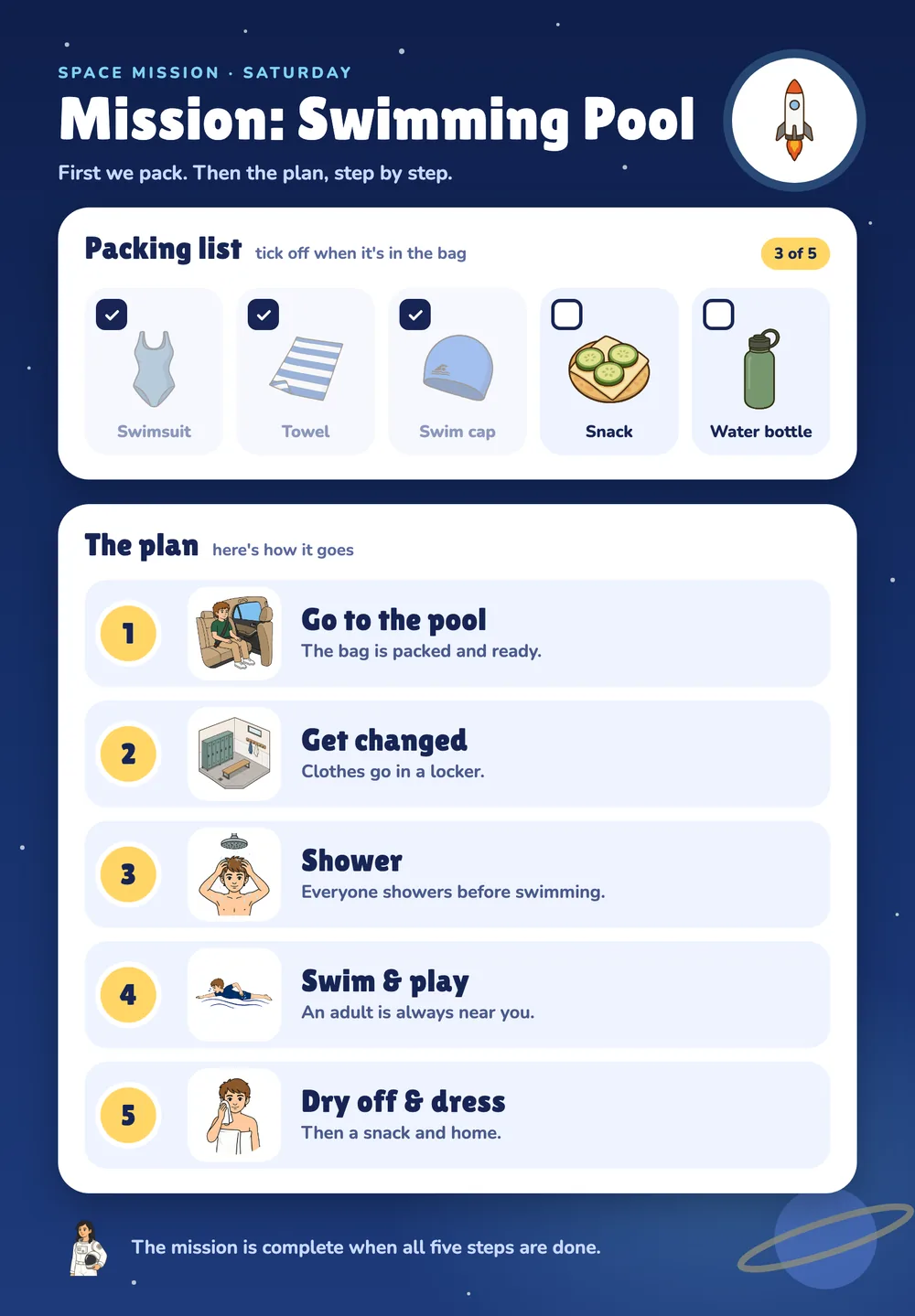
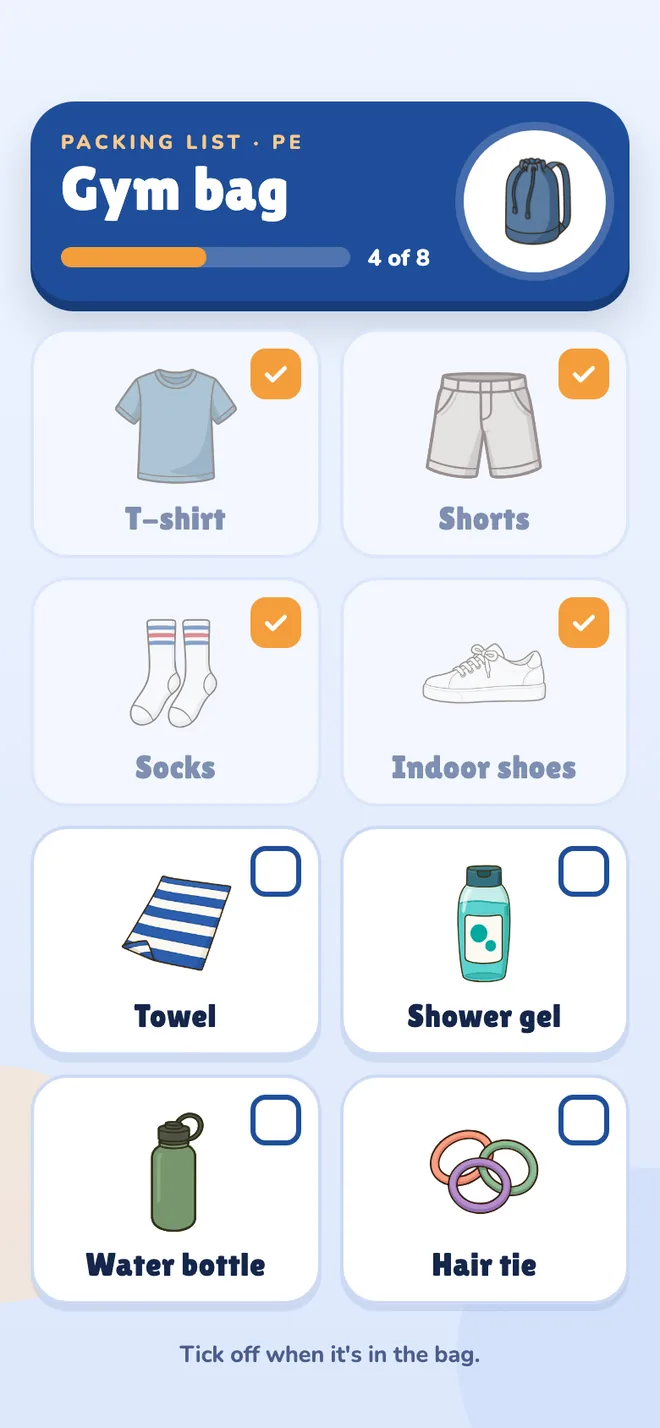
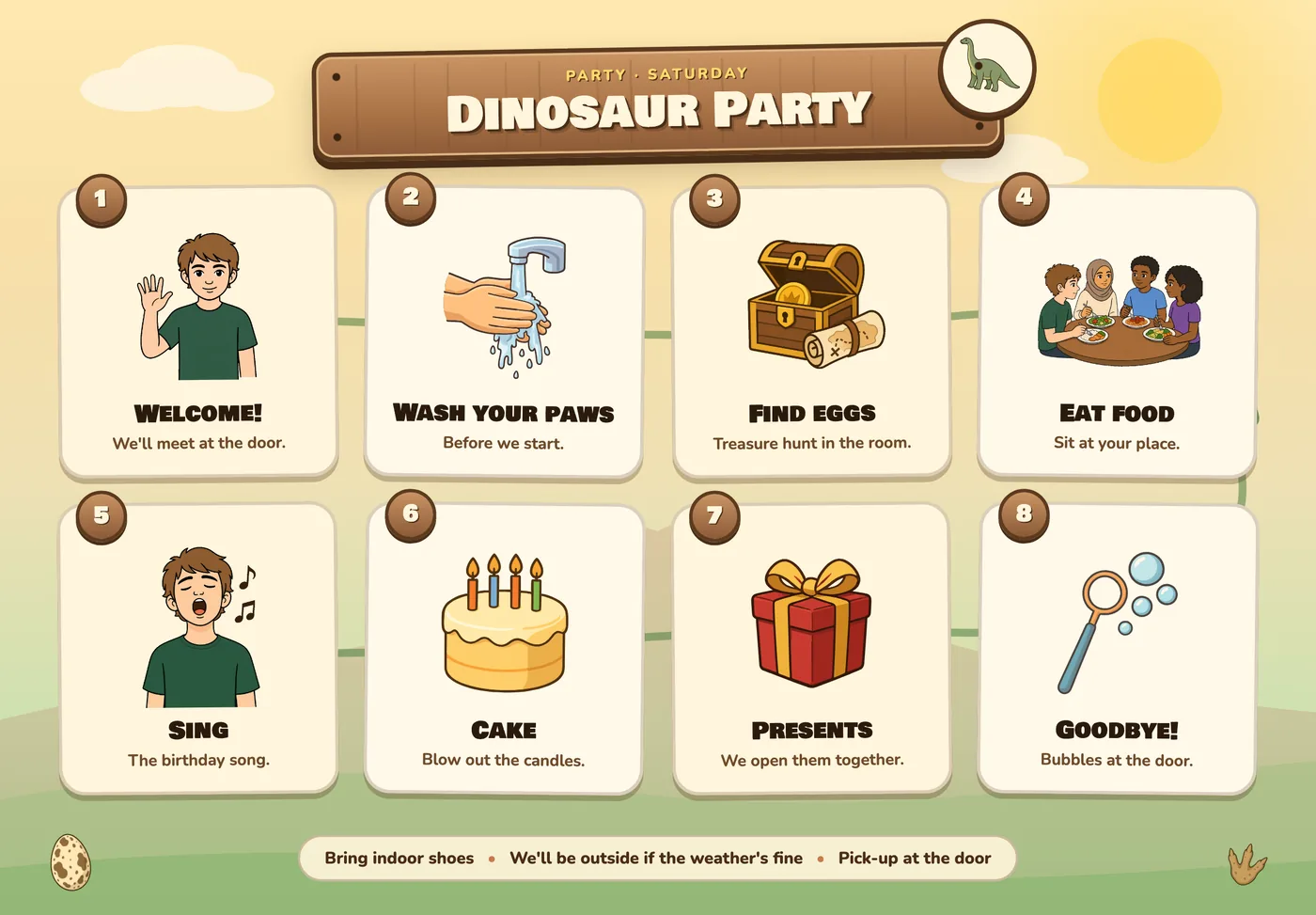
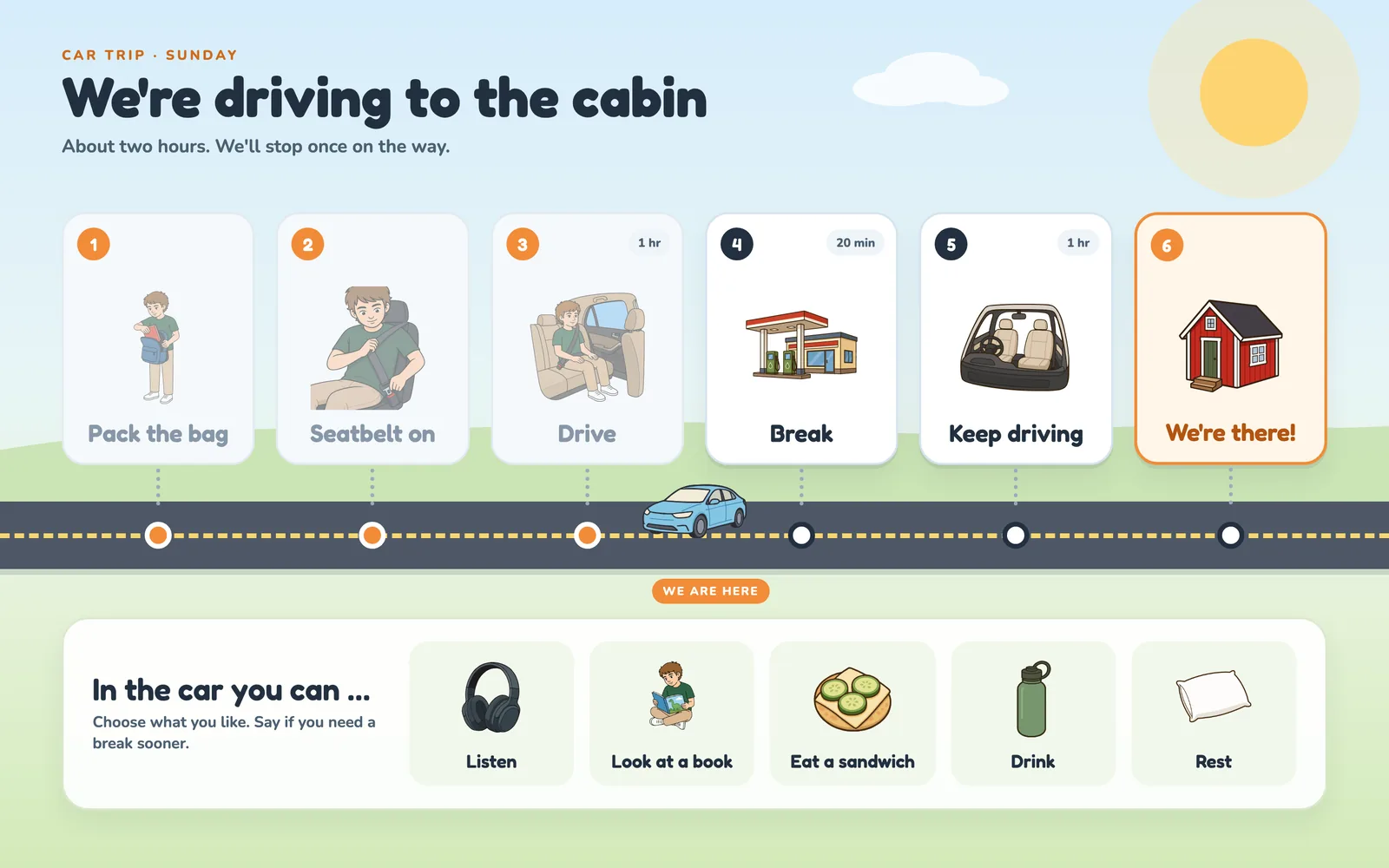
Examples of visual supports you can make in Áigi Plan.
See all templates