The future of visual supports
Make schedules and routines from thousands of symbols, in the browser.
 Hot dogs for lunch
 Wash your hands
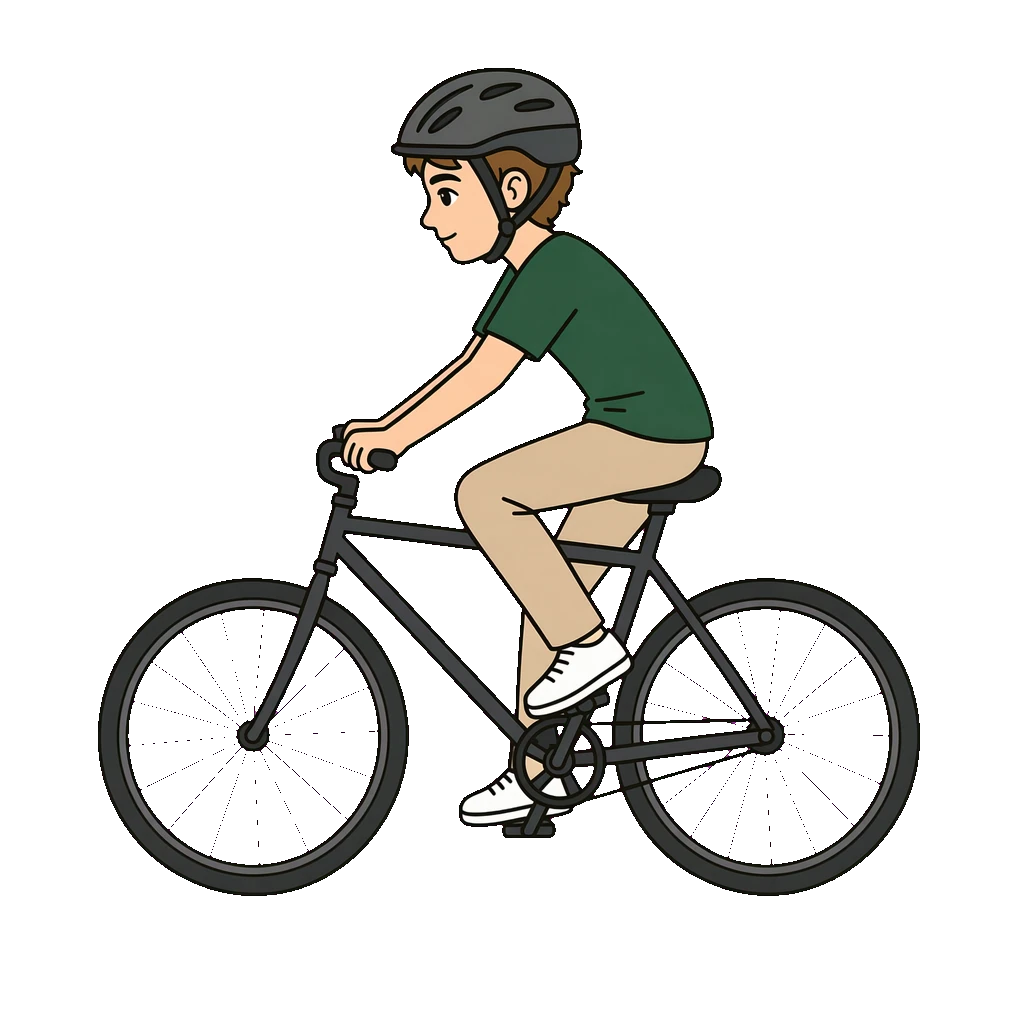 Go for a bike ride
 Put on pyjamas
 Hot dogs for lunchWash your handsGo for a bike ridePut on pyjamasHot dogs for lunchWash your handsGo for a bike ridePut on pyjamas
 Clothes
 Play PlayStation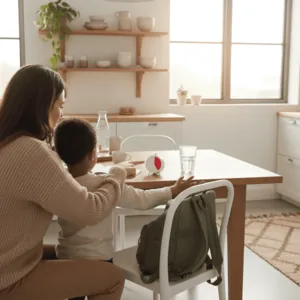
 Brush your teeth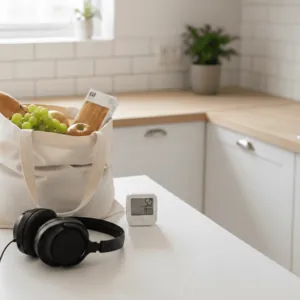
 Eat breakfast
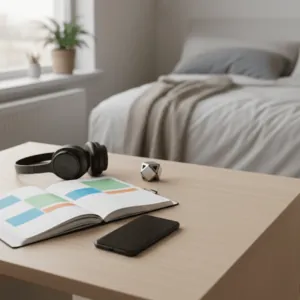 ClothesPlay PlayStationBrush your teethEat breakfastClothesPlay PlayStationBrush your teethEat breakfast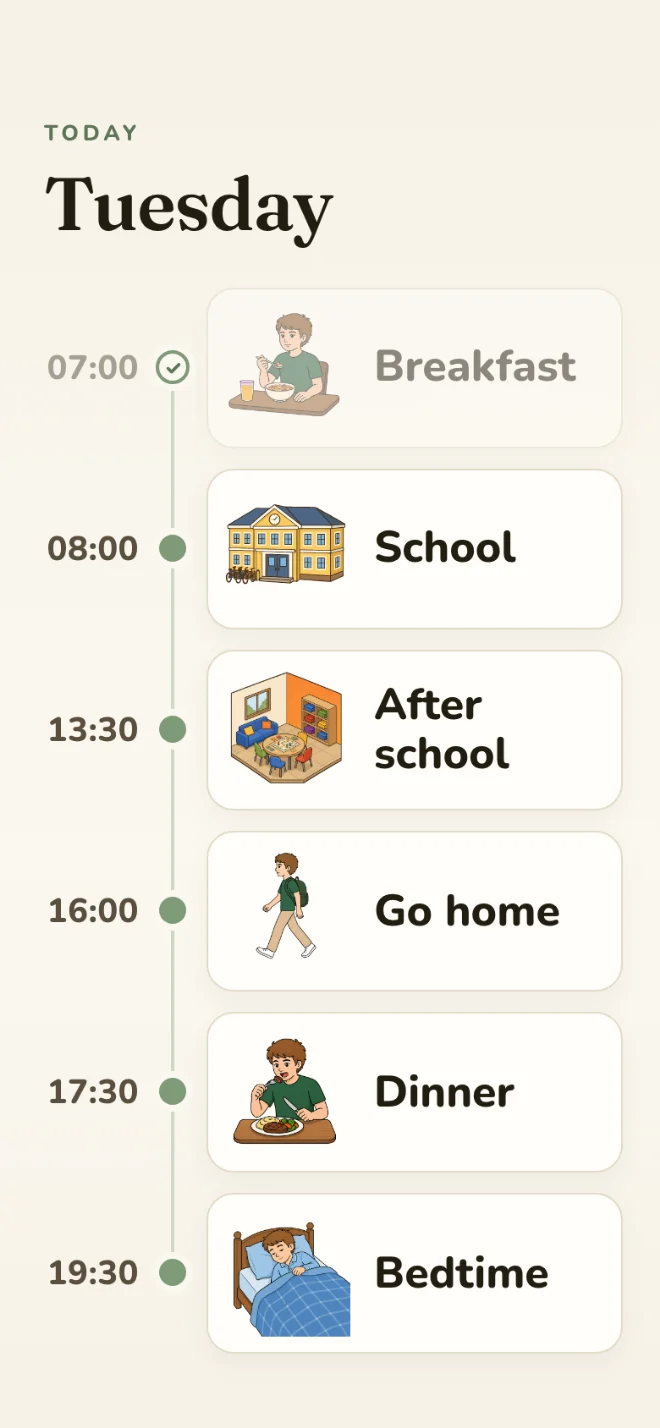
Everything you need to make visual supports
Start from a template, or create with AI.
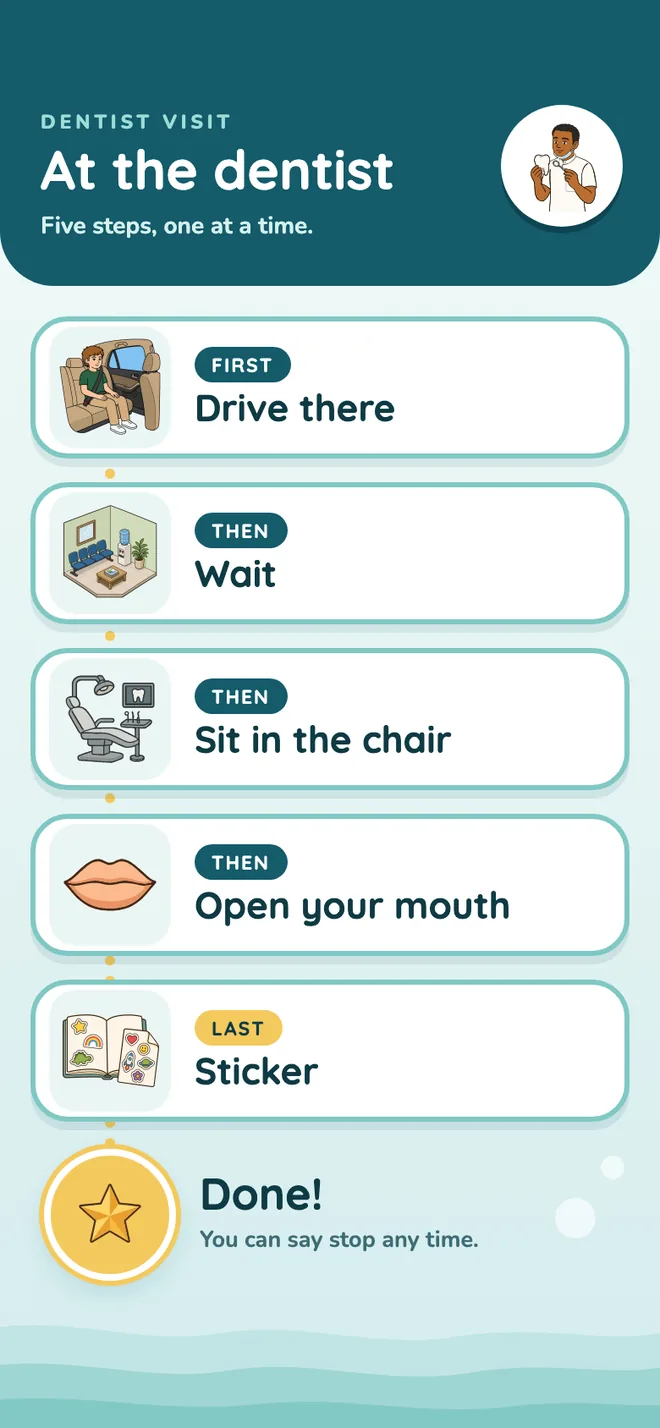
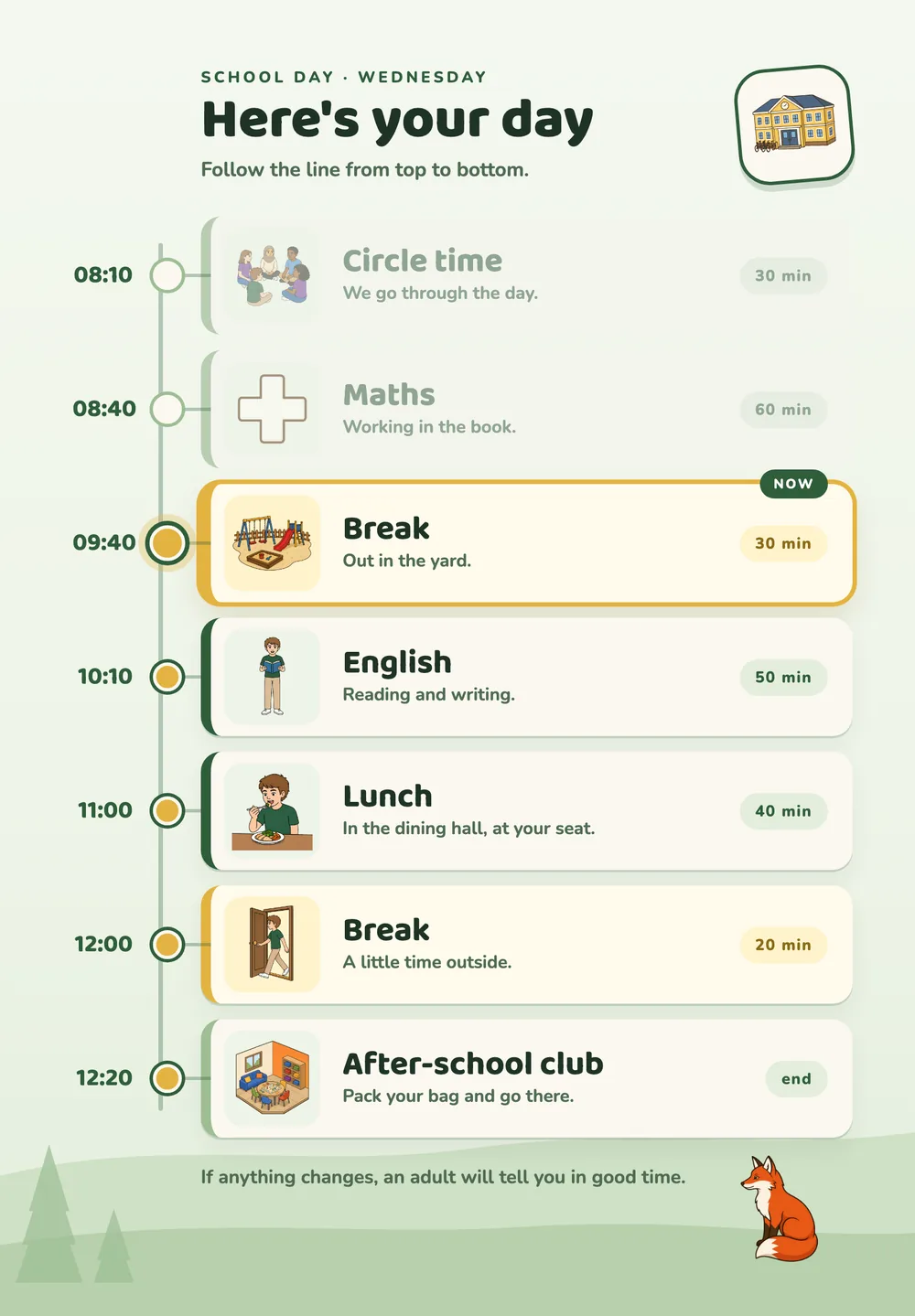
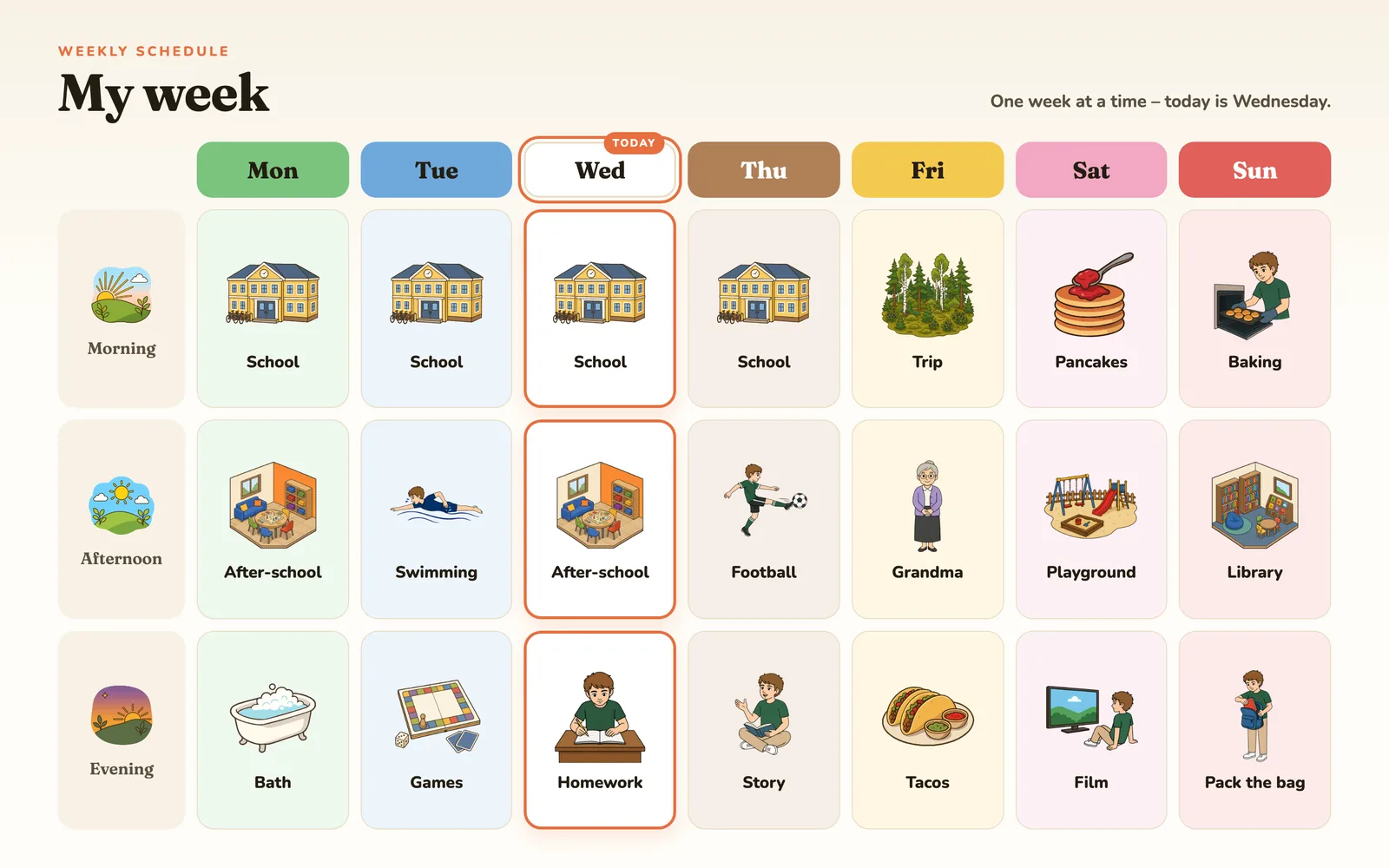
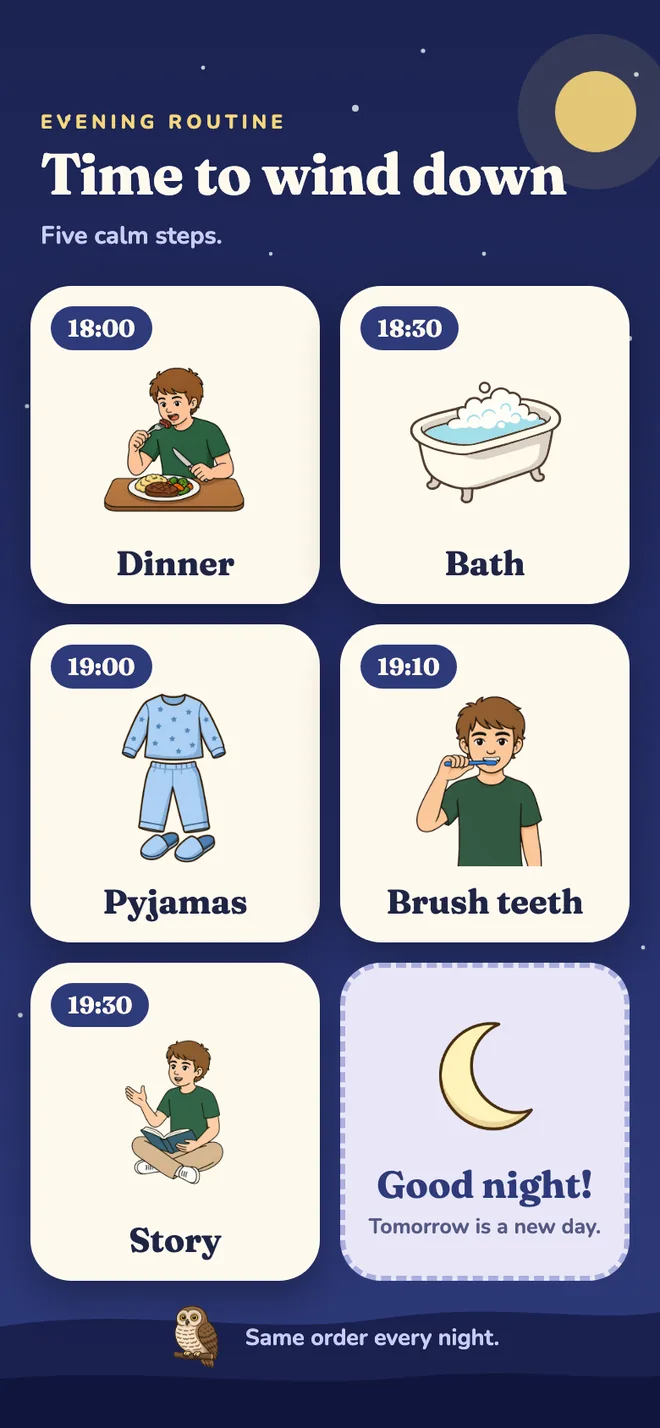
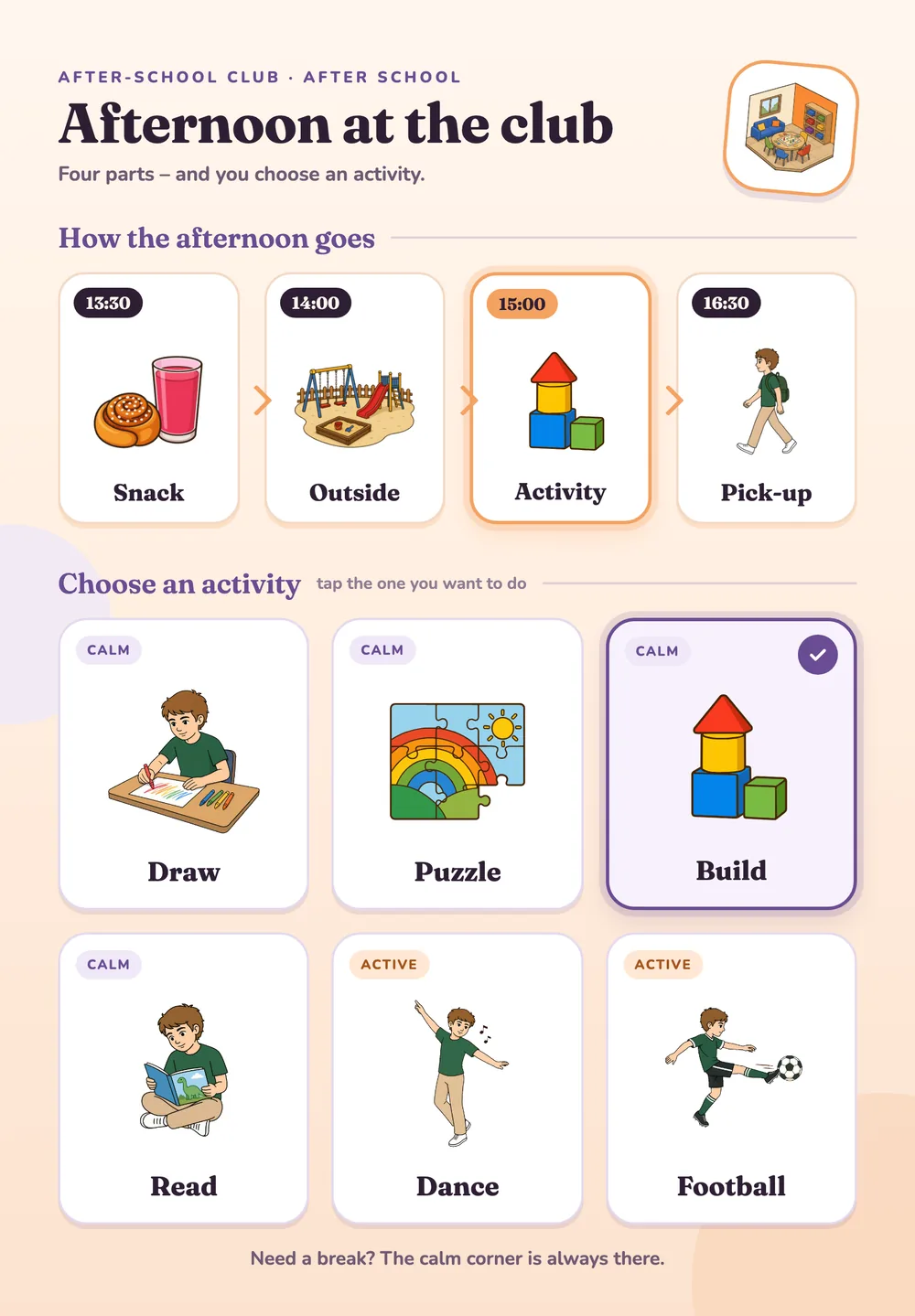
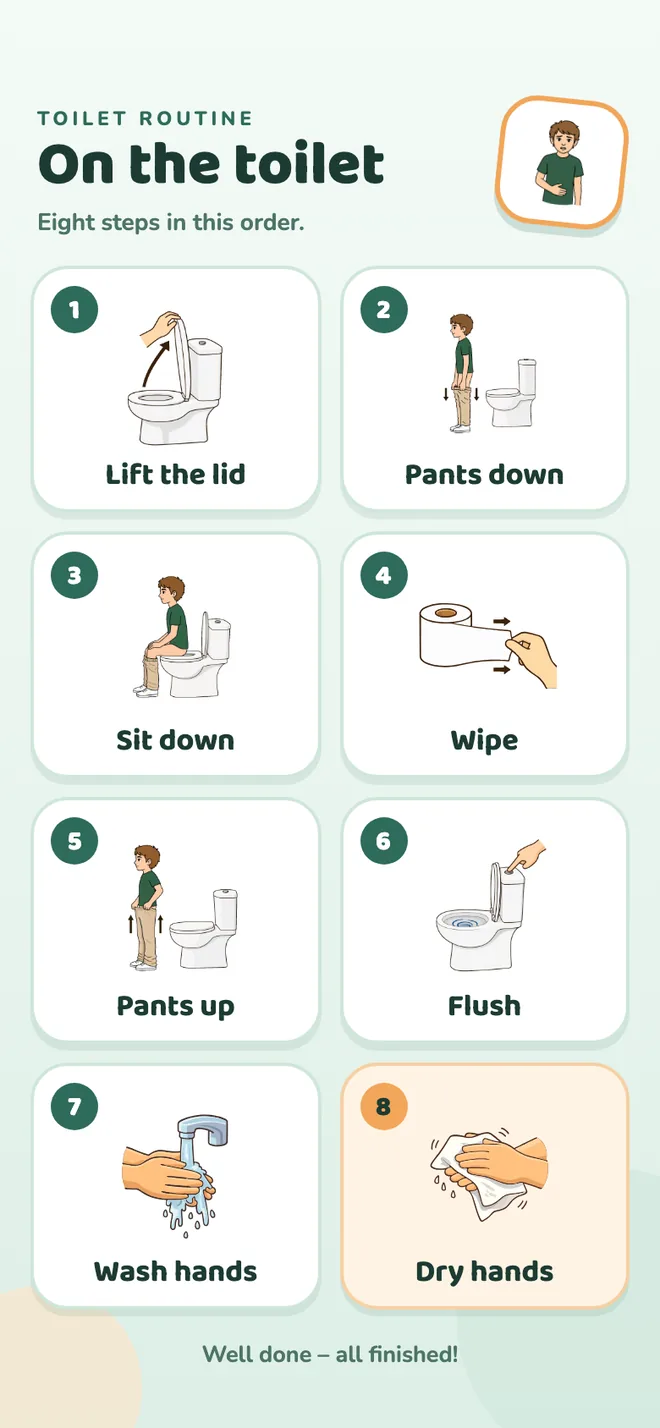
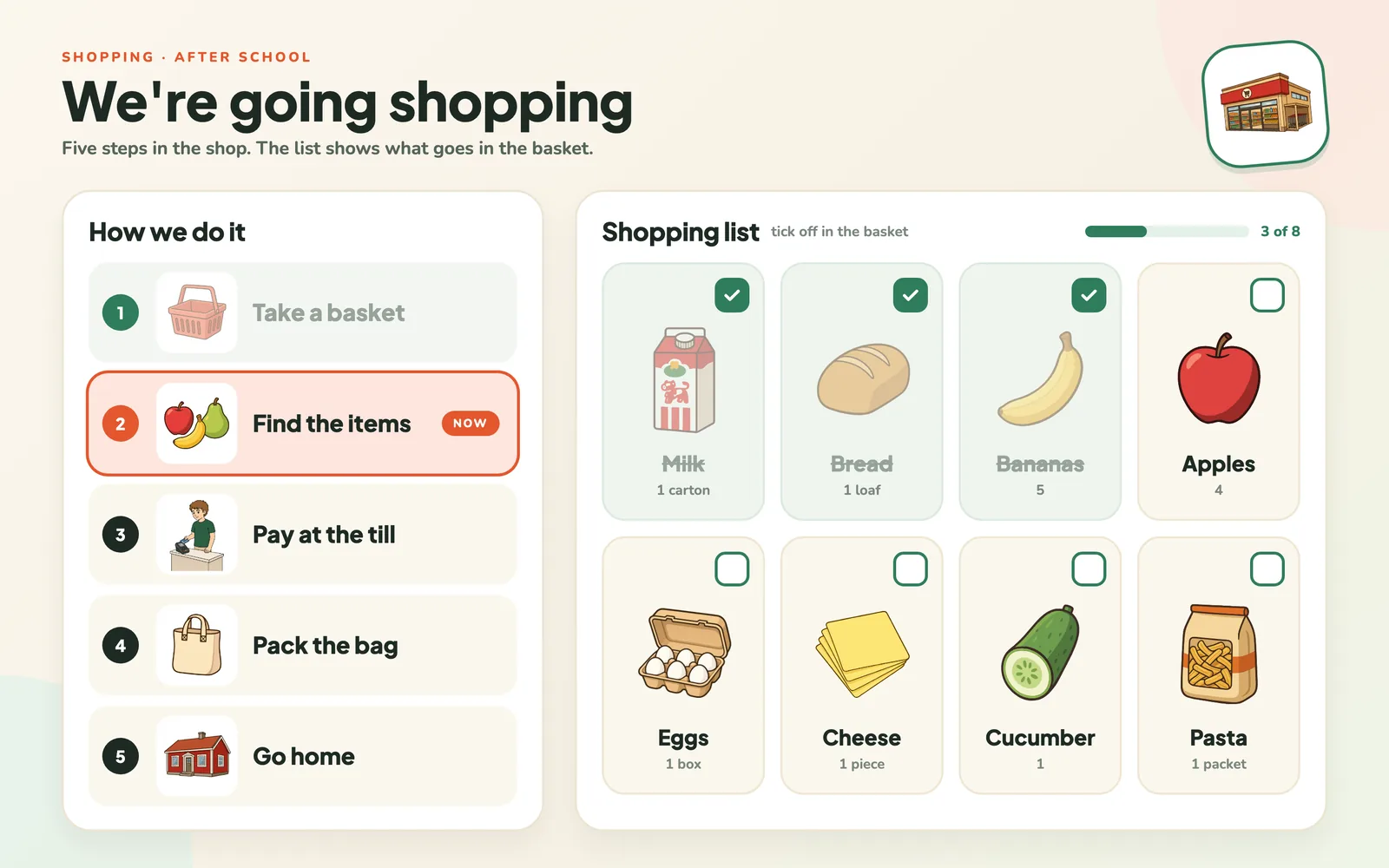
Examples of visual supports you can make in Áigi Plan.
See all templatesHow it works

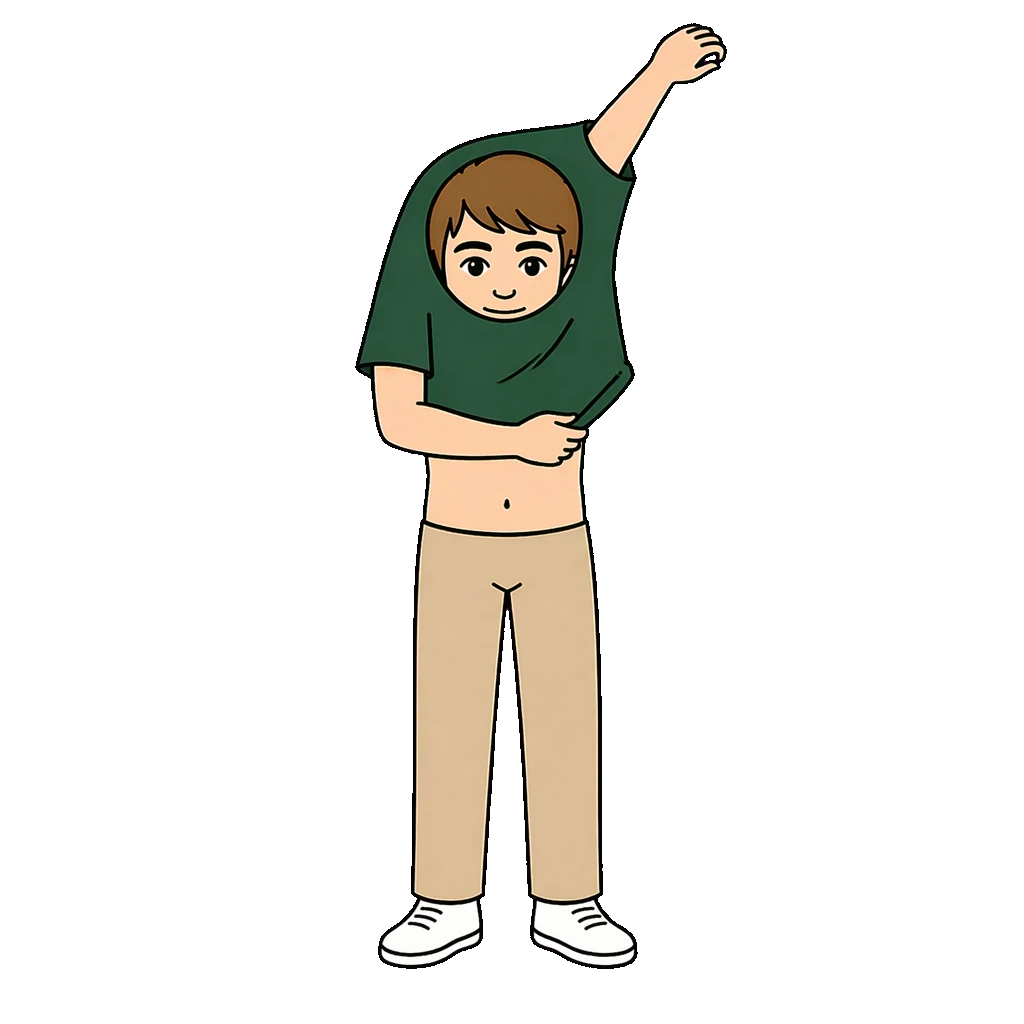
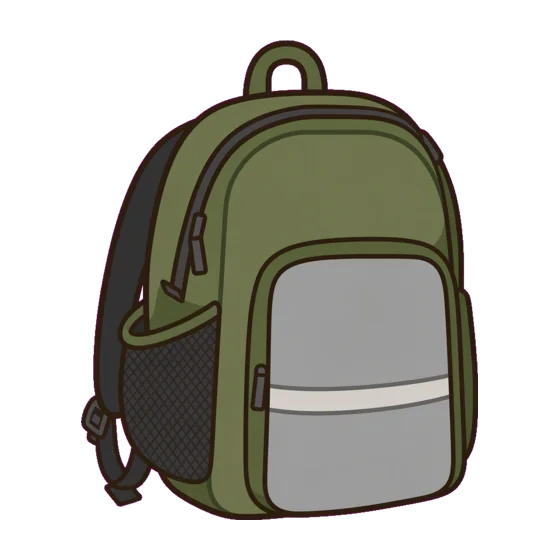

Create with AI
Describe what you need. Áigi proposes a visual support you can edit.
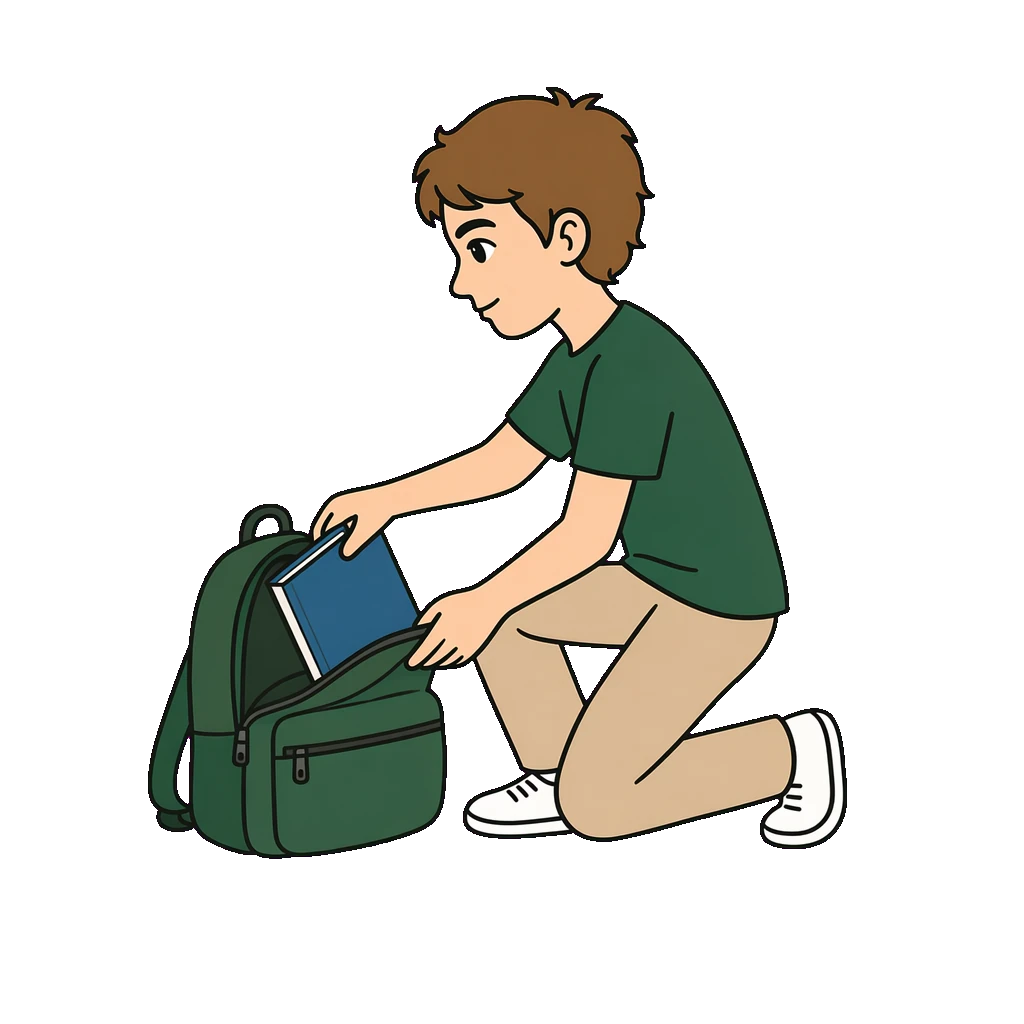




Edit
Swap a symbol, add clocks, or ask the AI to change the rest.
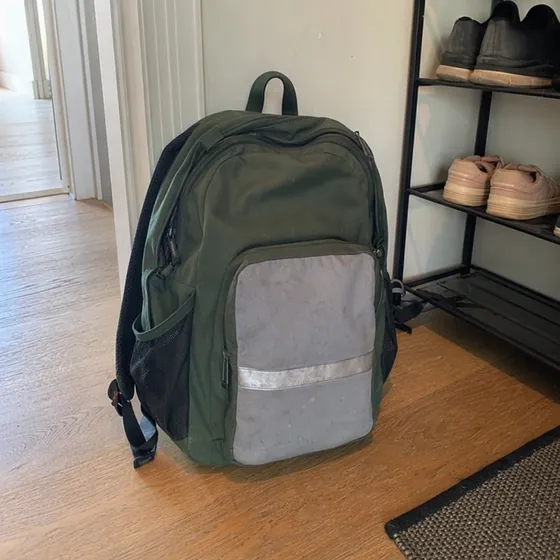
Your photos become symbols
Photograph your child’s own things. Each becomes a symbol in one style.
Save as PDF and print it, ready for the fridge.
Show on a screen
A link on the child’s screen. You choose what it shows.
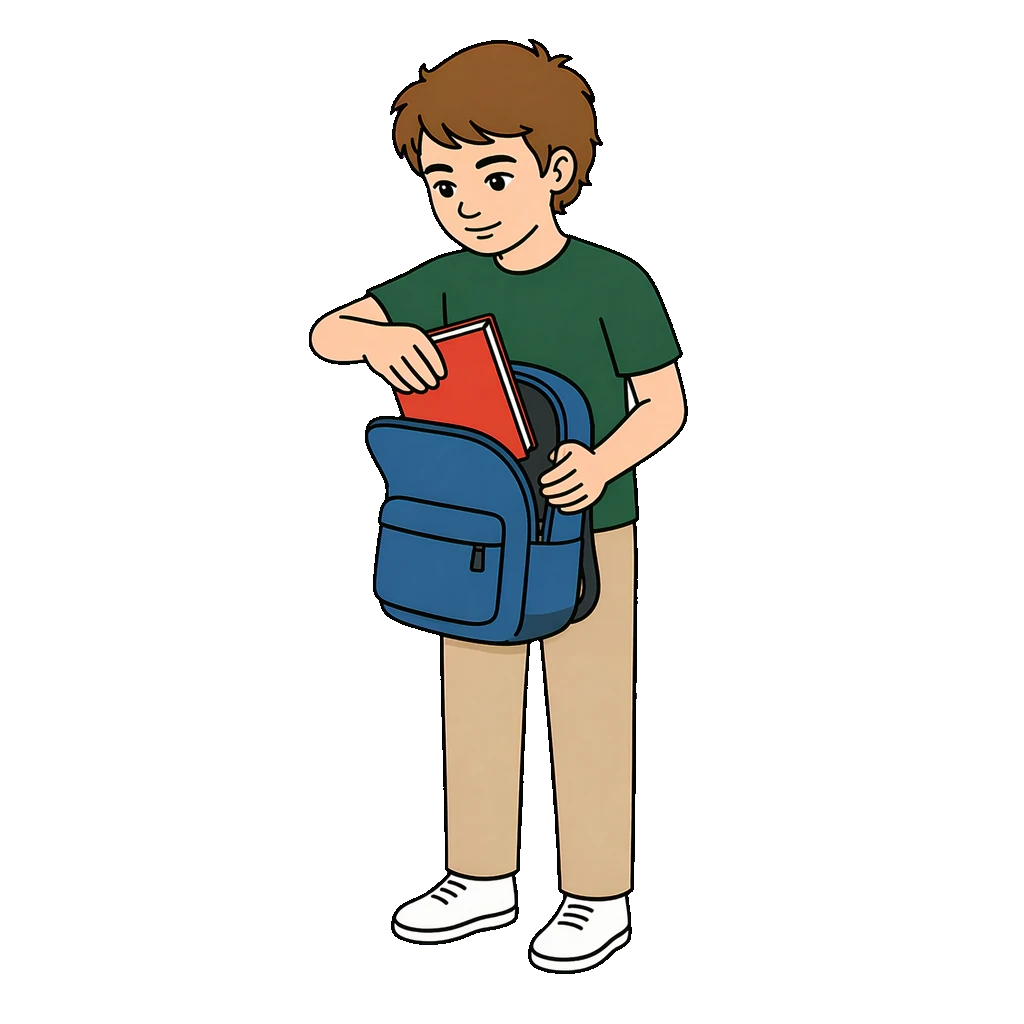
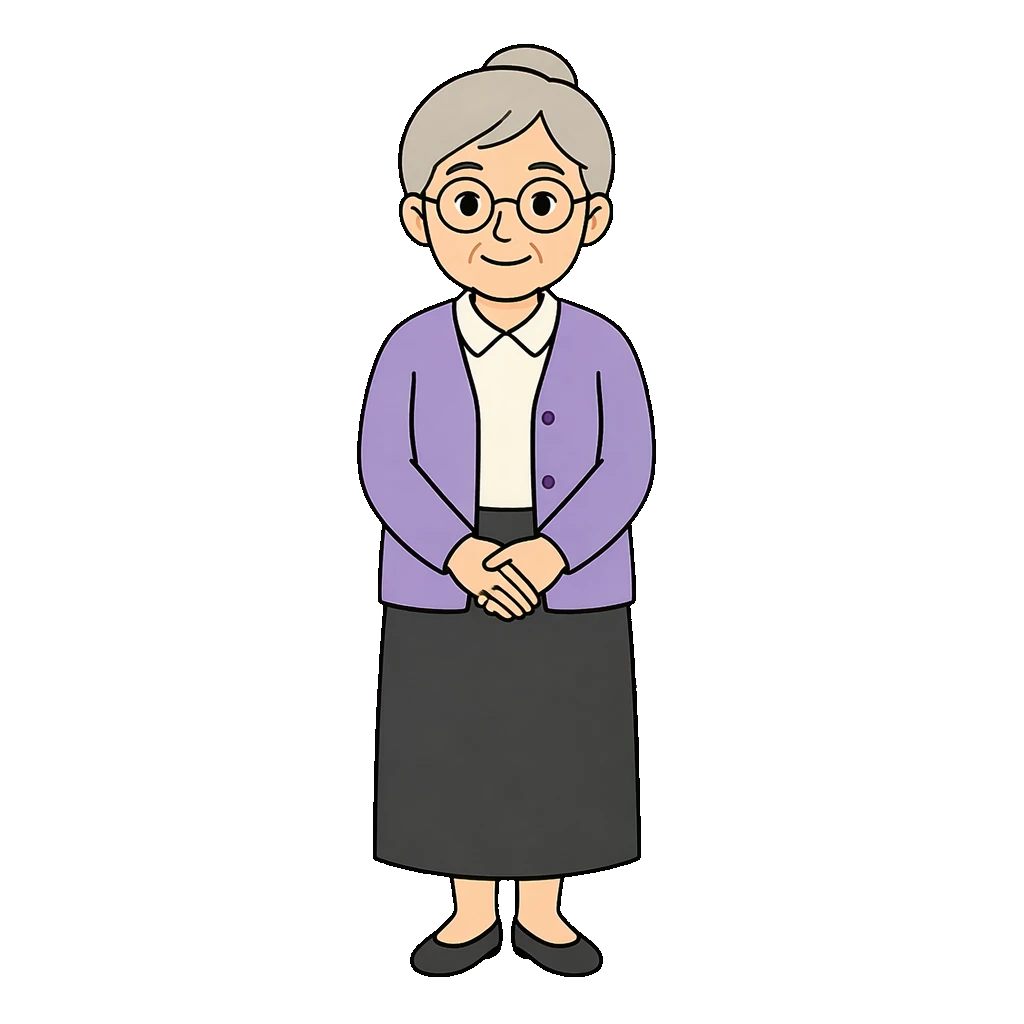 Grandma
 Teacher
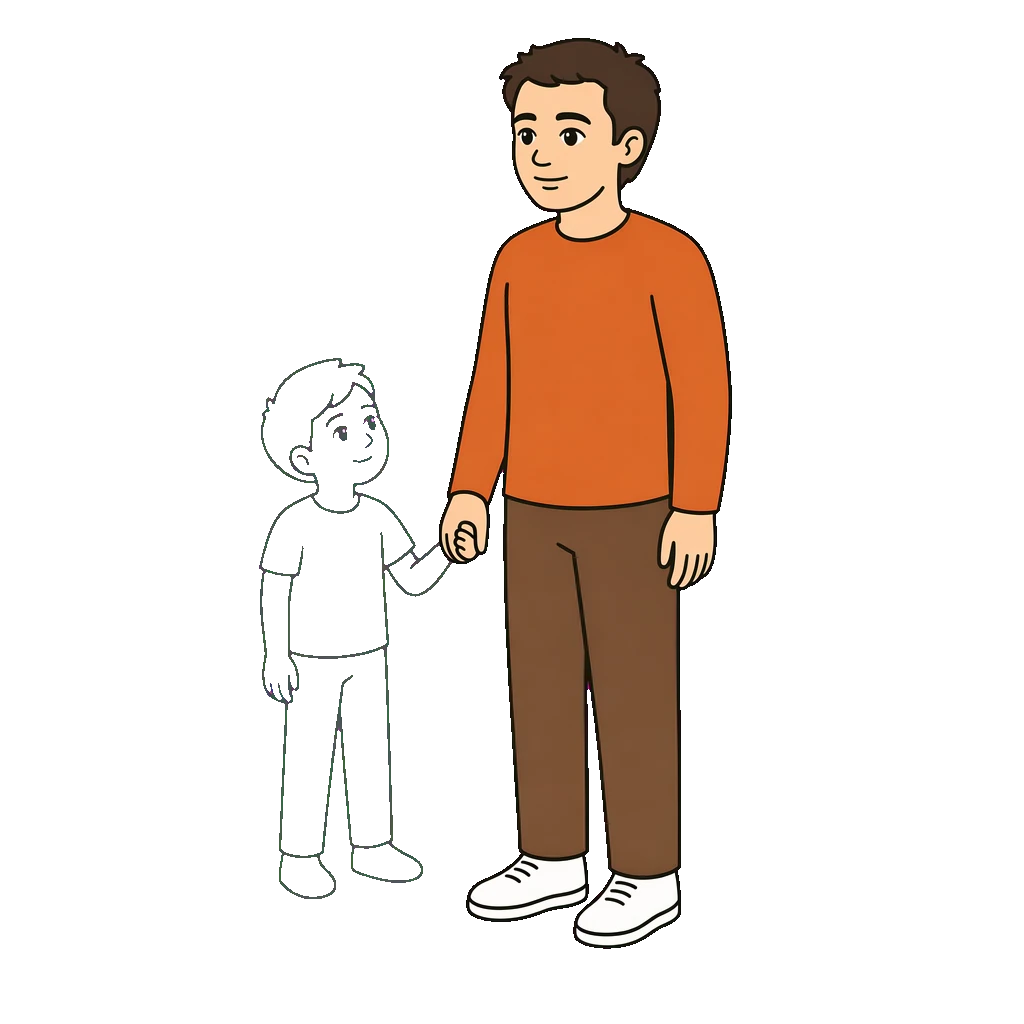 Dad
DadShare with everyone around the child
Send a link to the paper, and grandma, school and dad see the same.
What you make is yours
You own it, share it and delete it whenever you like. More about trust
FAQ
Common questions
Áigi Plan is an editor for visual supports, with AI built in. Here you make schedules, routines and communication boards from symbols in one style, so the child recognises them from one visual support to the next. Everything runs in the browser, on computer, tablet and phone. Áigi is founded by a psychologist and built for how visual supports are used with children with adhd, autism and other neurodevelopmental conditions, at home, in school and in care.
Almost any visual support you need in everyday life: morning and evening routines, the school day, first–then, weekly schedules, checklists, communication boards or something entirely your own. You start in one of two ways: describe what you need and let the AI make a first draft, or pick a template and use it as it is or let the AI fill it in. There are ready-made base formats, and if you want another layout, you ask the AI for it. Everything is saved as you work.
You describe what you need in your own words, for example "a morning routine in six steps, from waking up to leaving for school". Áigi builds the visual support from symbols in our library, with the main character you have chosen, and puts it straight into the editor. There you change what is not right: click a text and retype it, swap a symbol, drag a step to a new place or add times. With Change with AI you ask for the rest, for example another step, times, a calmer paper or a different theme, and you can always undo. With Create matching you make the next paper in the same style. Unlike a picture from ChatGPT, it is the same symbols every time. ChatGPT for visual supports
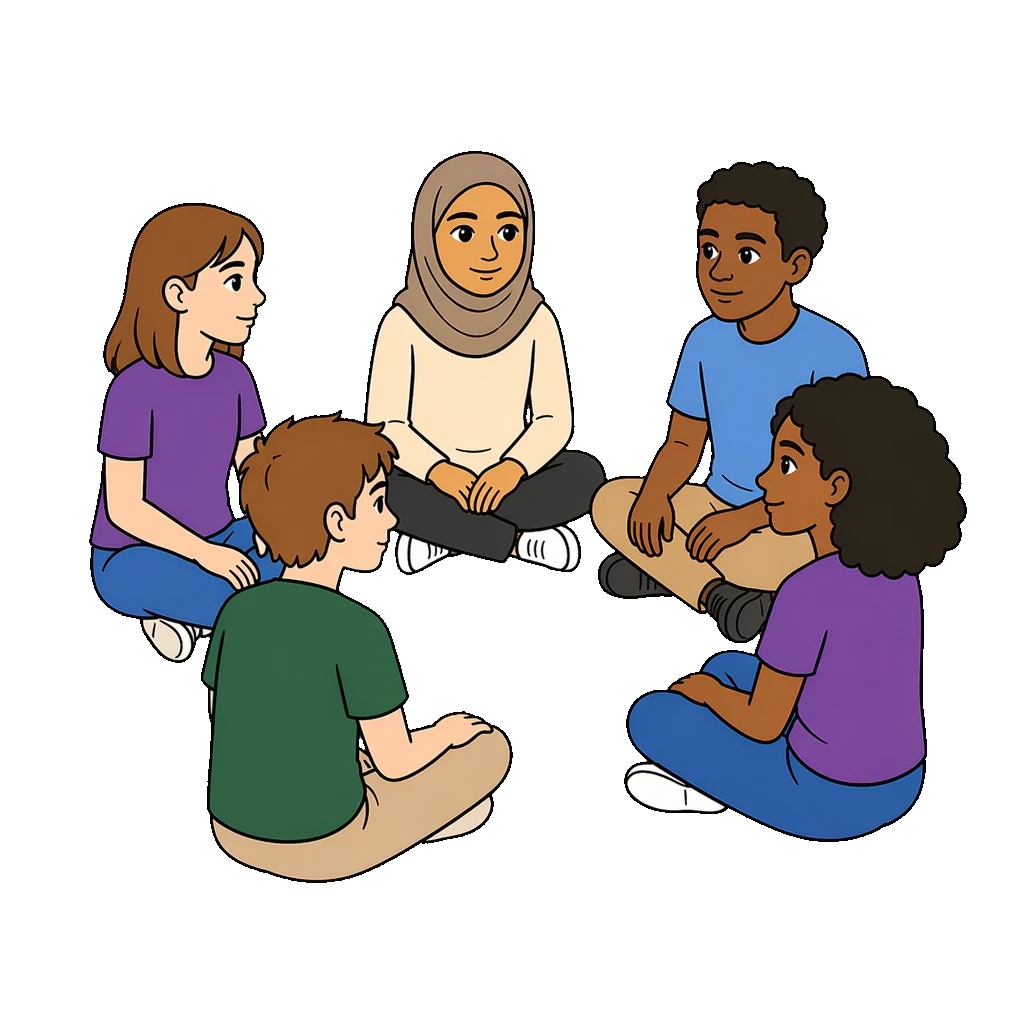
The library has thousands of symbols in one style, and you find them by searching in Swedish or English. Type a word in a cell and a matching symbol is placed. Many symbols are drawn with nine different main characters, so you can pick the one that looks most like the child. Because every symbol follows the same style, the visual support looks consistent, and the child recognises the symbols from one visual support to the next.
Yes. Upload your own photos and use them directly in the cells, for example the child's backpack, your bathroom or the way to school. You can also turn a photo into a symbol with Photo to symbol. The photo is then redrawn in the same style as the rest of the library and saved among your own symbols, so you can use it again. And for everything else, you choose from the library's thousands of symbols.
You can save it as a PDF or an image and print it, for the fridge, the bag or the classroom. You can also show it on the child's tablet or on a computer in the classroom with Screen. The screen is a link you open once on the child's device, and it stays. Then you change what it shows from your own phone, straight away with Show now or scheduled for certain days and times. If you want school and home to work from the same paper, send a share link to the other adults around the child.
You can try Áigi Plan for free, with the symbol library, the templates and printing. Standard removes the limit on how many papers you can create and gives you your own images, sharing and Screen. Pro adds AI. You will find all prices on the Pricing page.
Create your first visual support
Free to try. No app needed.
Try it freeDesktop, tablet and phone, in the browser.